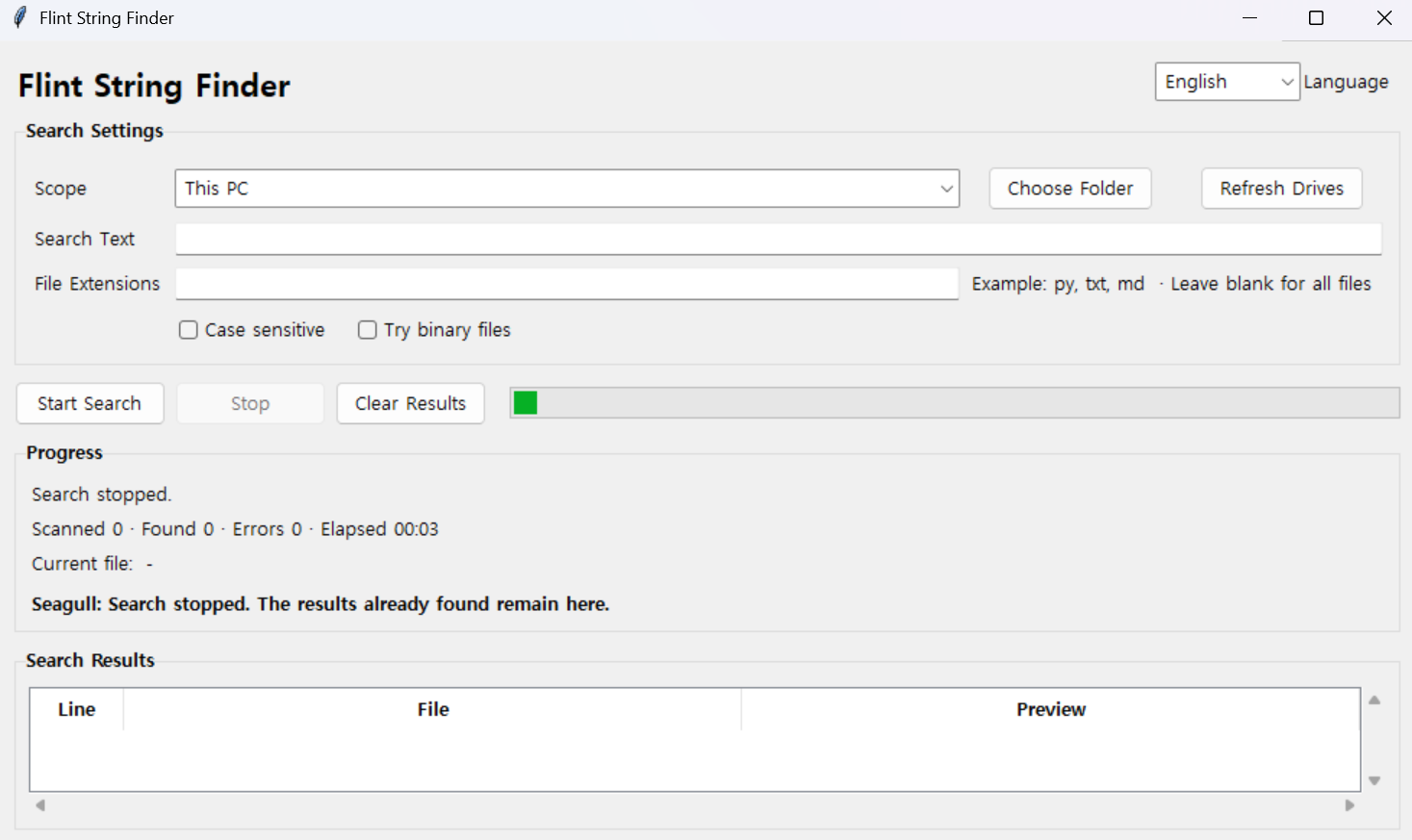
Flint String Finder
Version: 1.0.0
How to Use
- Select the search scope. (Entire Computer, Drive, or Folder)
- Enter the search string.
- If needed, specify file extensions (
py,md,txt, etc.) and enable Case Sensitive. - Click Start Search.
- Double-click a result to open the file immediately.
Main Features
- Search the entire computer or a specific drive
- Search within a specific folder
- Search for text inside files
- Display the current file being scanned, scanned file count, matches found, and error count
- Show elapsed time and search progress
- Stop the search at any time
- Open files by double-clicking search results
- Flint Captain & Seagull progress messages during long searches