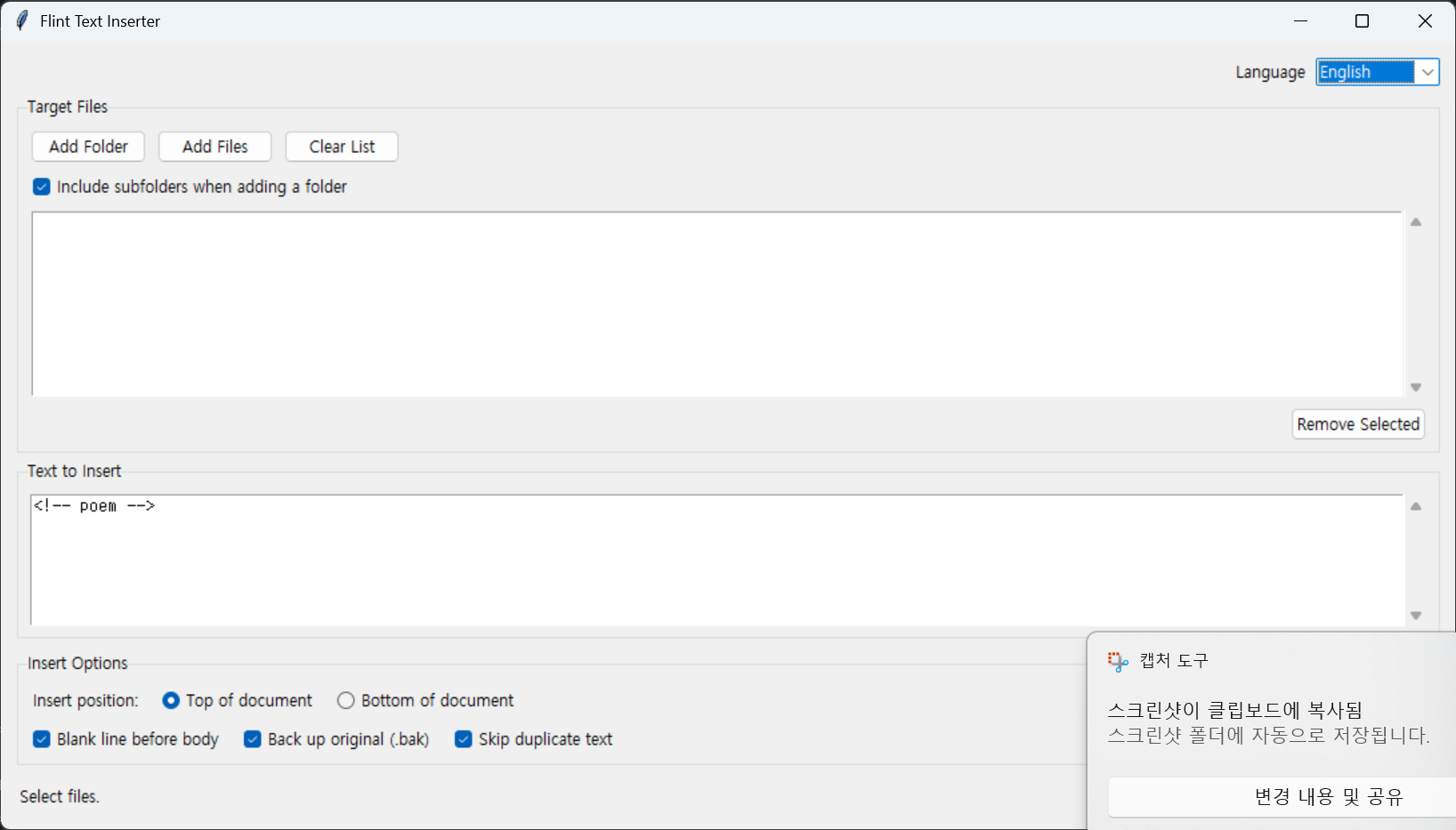
Flint Text Inserter
Version: 1.0.0
How to Use
- Click Add Files to select individual files, or click Add Folder to select a folder.
- When a folder is selected, all supported files in that folder and its subfolders will be added to the list automatically.
- Enter the text you want to insert.
- Choose whether to insert it at the Beginning or End of each document.
- Review the options for Blank Line, Backup, and Duplicate Prevention.
- Click Insert to start the process.
Example:
<!-- poem -->

# The Heart Became the Wind