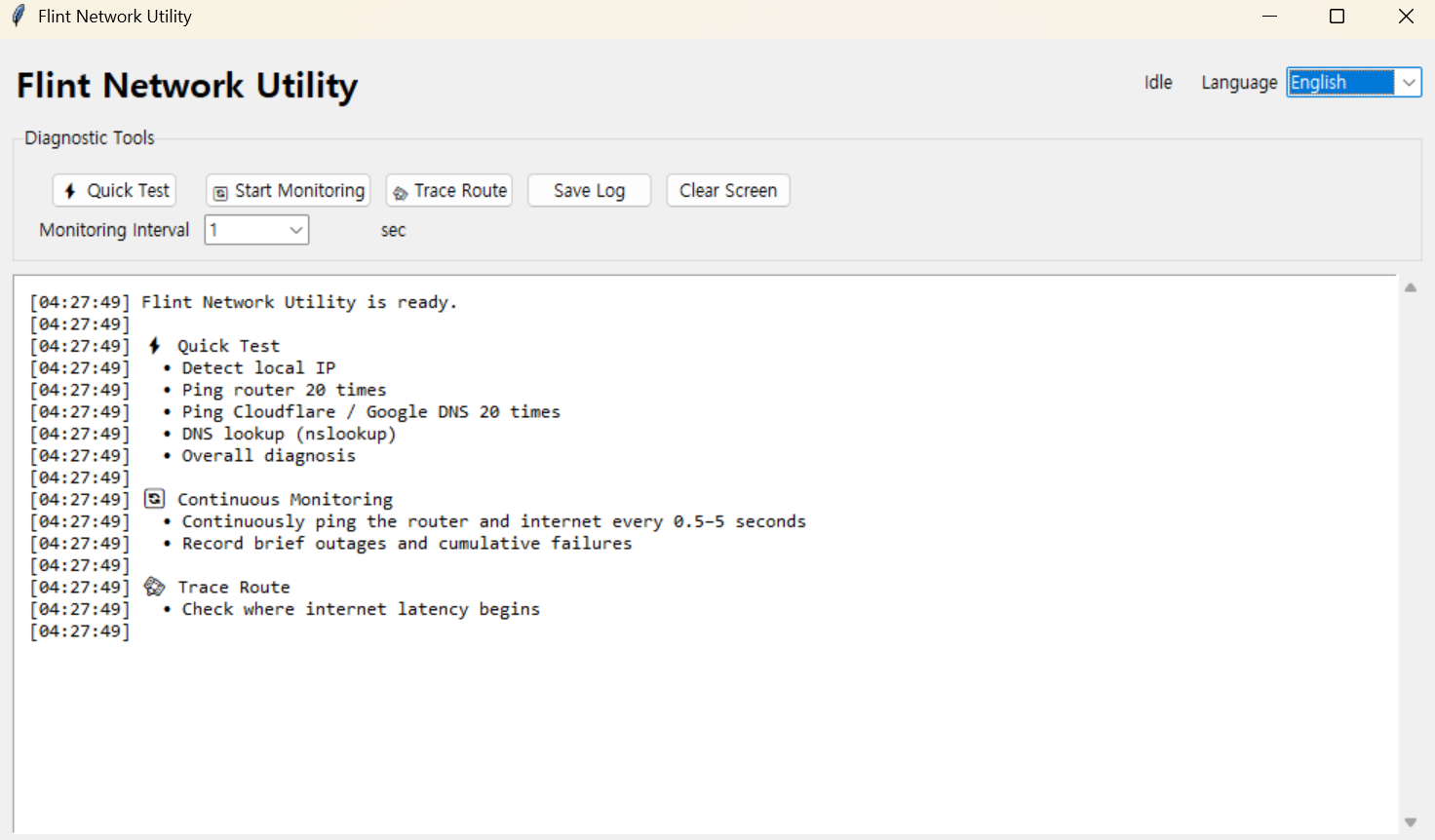
Flint Network Utility
Version: 1.0.0
Quick Check
- Launch the program.
- Click
Quick Check. - When the scan is complete, review the overall diagnosis at the bottom.
- If needed, click
Save Logto keep a copy of the results.
The Quick Check verifies the following:
- Local IP address
- Default gateway
- 20 pings to the router
- 20 pings to Cloudflare and Google DNS
- DNS lookup
- Packet loss and latency
- Overall network diagnosis
Continuous Monitoring
Use this feature to detect intermittent internet disconnections.
- Select the monitoring interval.
- Click
Start Monitoring. - Leave the program running until the issue occurs.
- Click
Stop Monitoringwhen you are finished.
The program continuously checks both your router and the external internet connection while keeping track of cumulative failures.
Trace Route
Click Trace Route to view the path your connection takes to reach the internet.
System Requirements
This program uses the Windows ping, route, nslookup, and tracert commands, so it is available on Windows only.